

Export enhancement
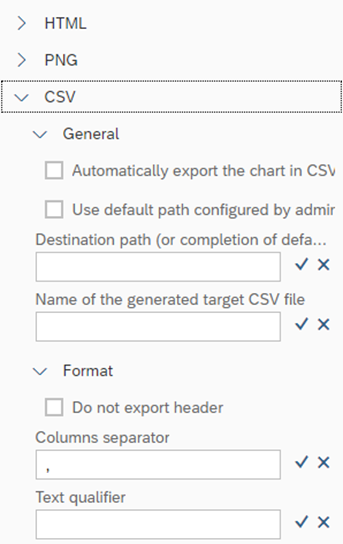
You already like the HTML & PNG export feature; you will love the CSV export capability offered in this new release! Enhancement in the Server Export has been released.
With the CSV export capability, export automatically the data of the block on your N4V server (or FTP/Sharepoint) in a flat CSV file.
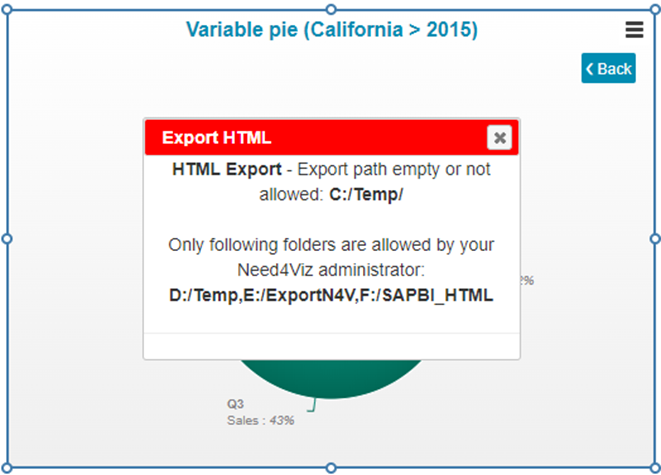
An alert popup is now displayed if an empty or unauthorized folder/filename to export is set. This will help you to quickly fix your failed Server exports.
A list of authorized paths can now be set in the N4V configuration file.
For safety reason, you can also decide to display/hide this list to your users.
New features in components
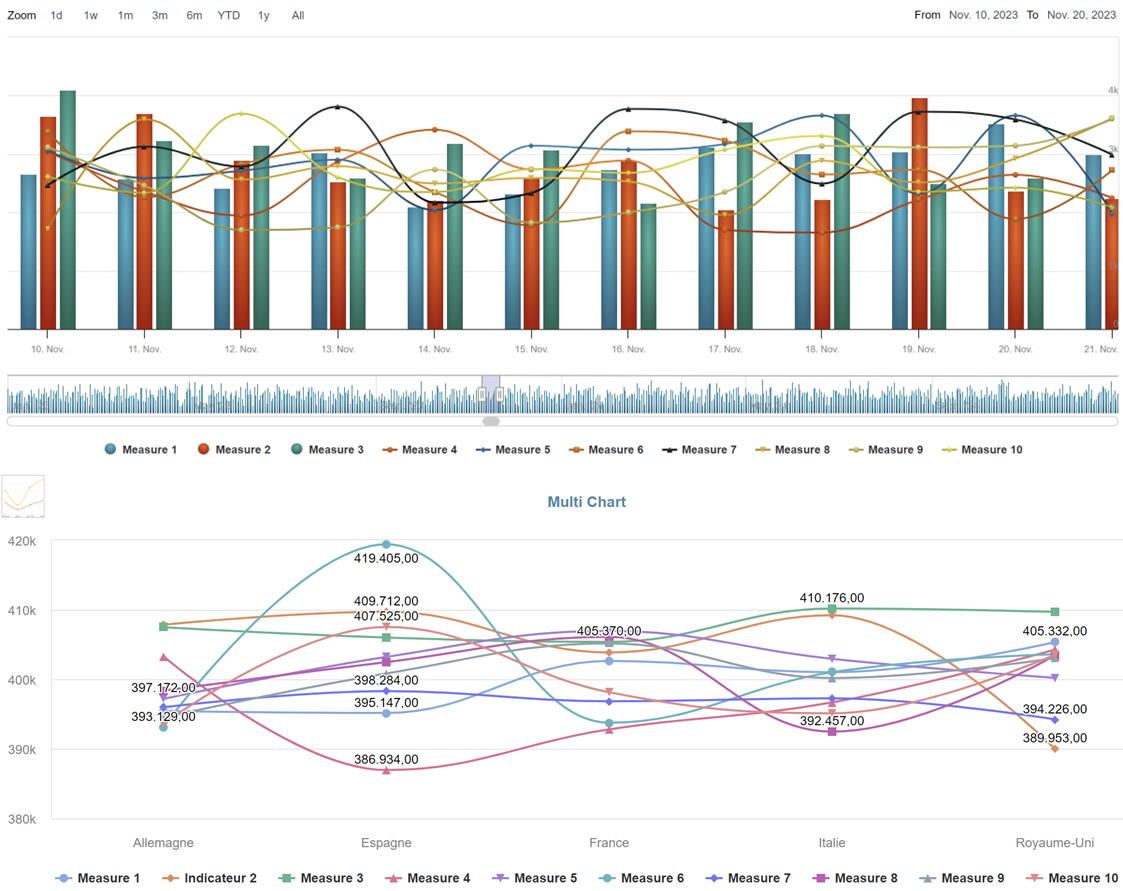
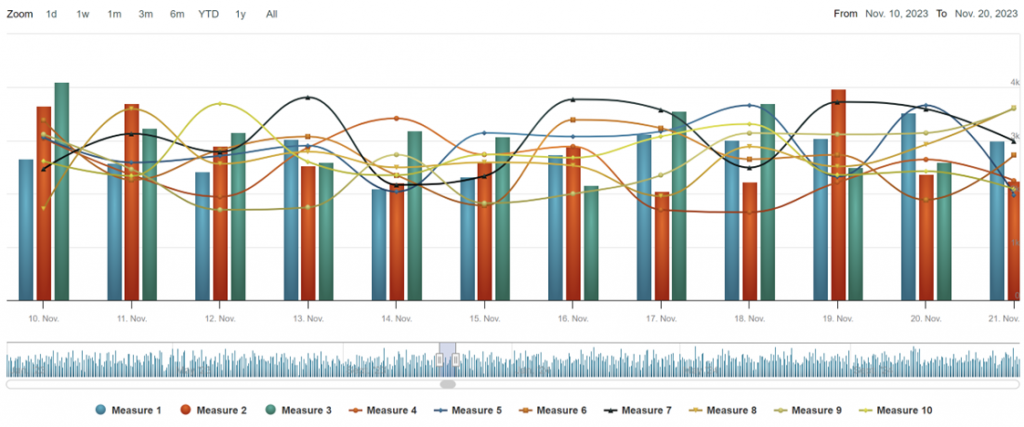
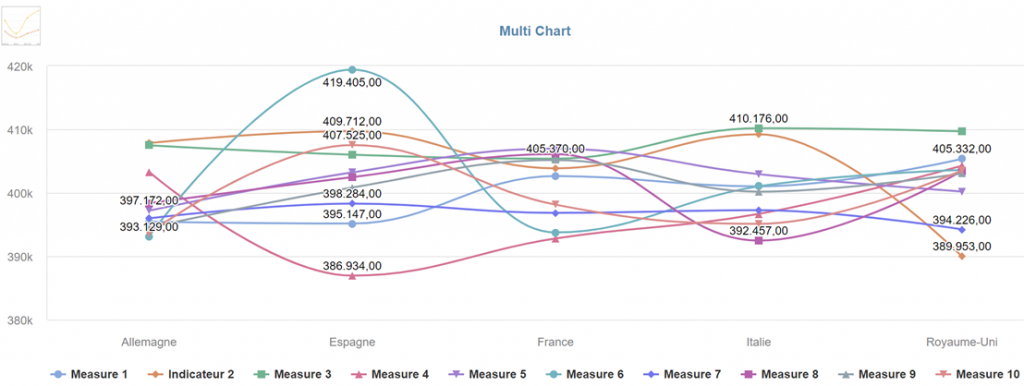
Up to 10 measures can now be used in the Multi Chart and in the Timeline.
Analyze simply a very large amount of data with N4V!!
You can now feed your Timeline with up to 10 measures Combine multi kinds of charts on a unique component
TheMulti Chart can also be feeded with up to 10 measures. Use the dynamic legend to hide/unhide the charts and compare your data in an easiest way
New features in components
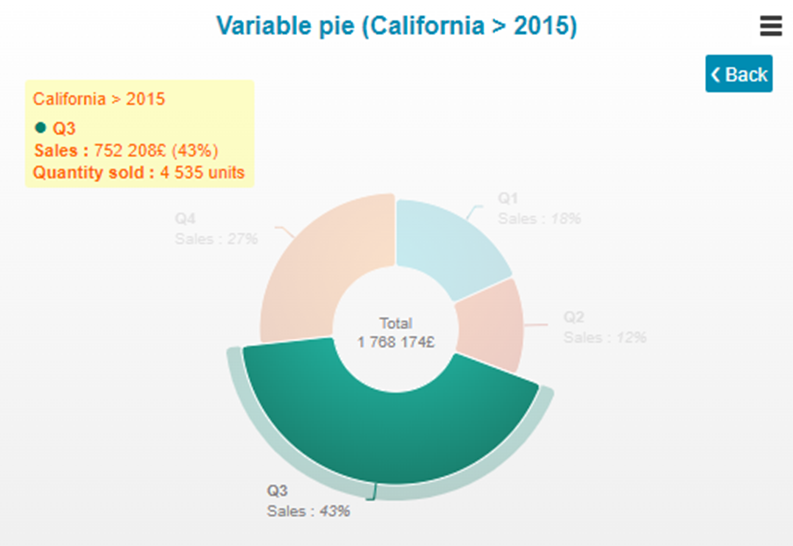
Tooltips of N4V components can now be customized, color opacity is now managed in our components. Give a new look and feel to your dashboard!!
Display/Hide :
• Complete tooltip
• Header
• Measurelabel
Tooltip position can be fixed in a corner of the chart
You can now set :
• Background & font colors
• Border width
• Shadow effect Your tooltips look like exactly what you need!
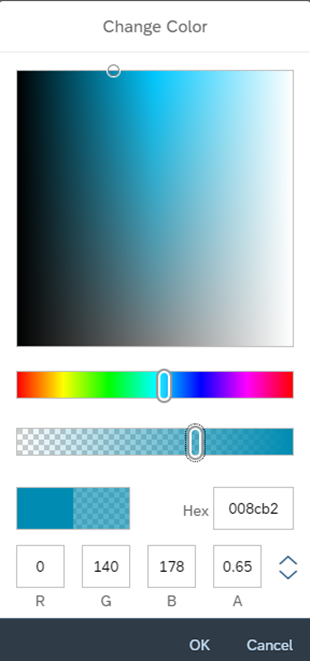
Opacity of color can now be used in the N4V components
See the Wiki for a full report
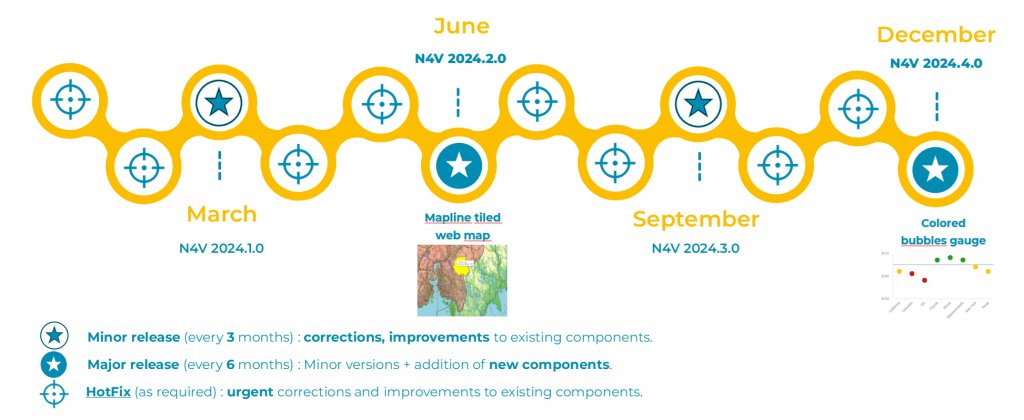
2 major releases in 2024